CLICKUP
FOR BEGINNERS
Available Slots
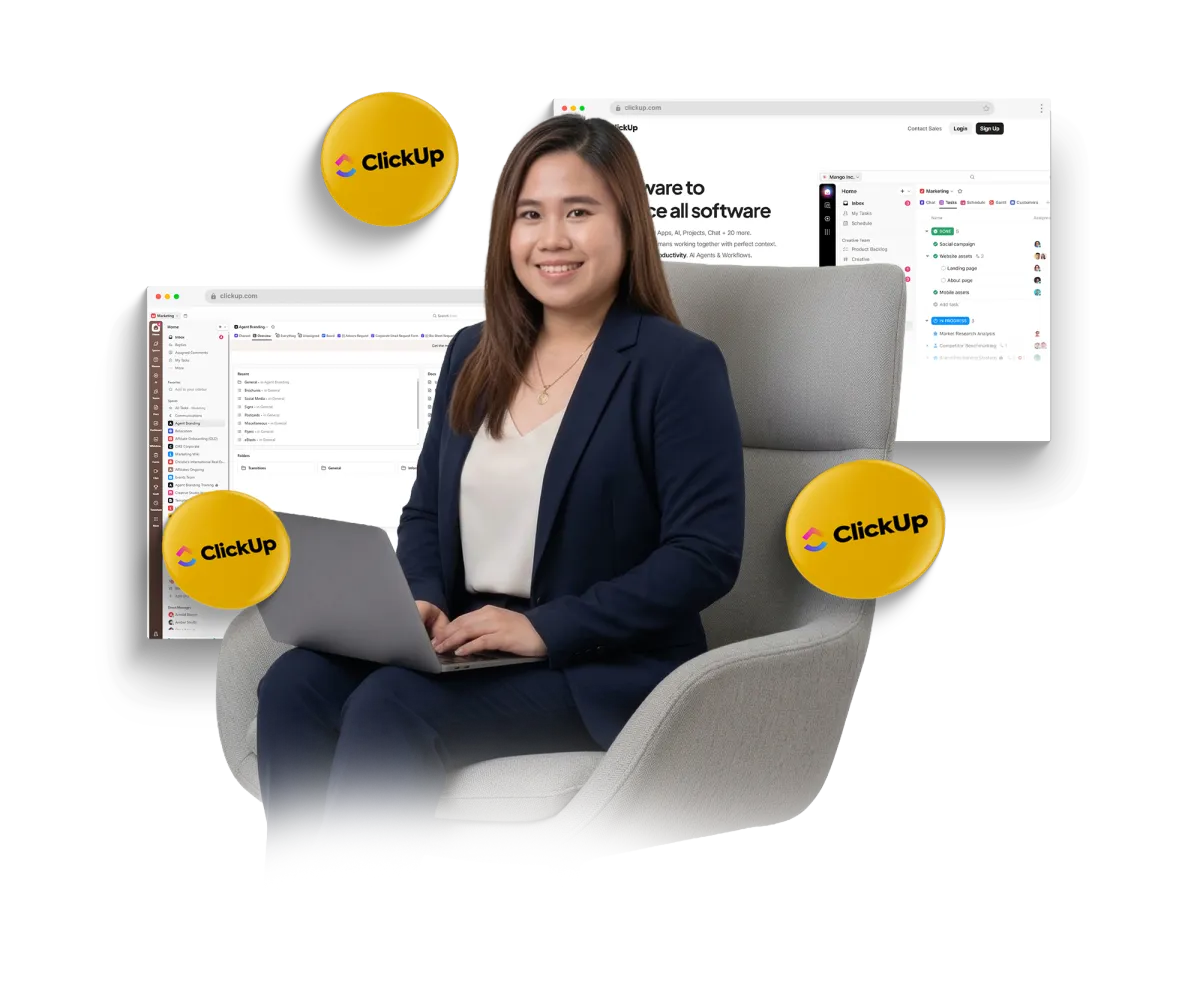
A tool to consolidate task management, documentation, goal tracking, and communication into a single, highly customizable platform, reducing the need
for multiple apps..
COURSE DETAILS
Duration: 20 Days
Platform: Live via Zoom
Weekly Commitment: 10 hrs/week
Batch Schedule
Batch 2: June 15 - July 10
WEEKLY TOPIC
WEEK 1: Foundations
Day 1: Introduction to ClickUp
Day 2: Workspace Setup
Day 3: Structure Your Work
Day 4: Tasks Basics
Day 5: Views Overview
WEEK 2: Productivity
Day 6: Task Management Deep Dive
Day 7: Custom Fields
Day 8: Time Management
Day 9: Docs & Notes
Day 10: Collaboration
WEEK 3: Advanced Features
Day 11: Automations
Day 12: Templates
Day 13: Dashboards
Day 14: Goals & OKRs
Day 15: Integrations
WEEK 4: Real-World Use
Day 16: Personal Productivity System
Day 17: Team Project Setup
Day 18: IT / Support Use Case
Day 19: Marketing Workflow
Day 20: Final Project & Review

Meet Your Coach
Coach Gem
Gem is a dedicated IT Support Specialist with extensive experience in providing technical support, resolving user issues, and ensuring seamless digital operations across various platforms.
With a strong background in:
Microsoft 365 Administration (Azure AD, Exchange, Intune), Active Directory & User Management, Remote Desktop Support & Troubleshooting, Salesforce Administration & System Support, Network, VPN, and Device Management
She brings a practical, hands-on approach to training, making complex systems simple and actionable for beginners.
What You'll Learn in 20 Days
1
Foundations
2
Productivity
3
Advanced Features
4
Real-World Use
Who Is This For
Beginners with no prior ClickUp experience
Virtual Assistants and aspiring freelancers
Team leaders and operations managers
Business owners who want to streamline processes
This training helps you
Confidently navigate ClickUp and manage tasks efficiently
Organize projects, workflows, and deadlines without overwhelm
Collaborate seamlessly with team members using task assignments, comments, and updates
Automate repetitive tasks to save time and reduce errors
Build dashboards and reports for better tracking and decision-making
Apply practical, real-world techniques to improve productivity immediately
Frequently Asked Questions
Training Requirement (Non-Negotiable)
Headset – A headset is mandatory to ensure clear audio communication.
Camera On at All Times – This is a real-time, one-on-one, highly interactive session. Full video participation is required.
Quiet Environment – You must be in a distraction-free, quiet space throughout the session.
WhatsApp Web/Desktop – All important announcements and updates will be sent exclusively through WhatsApp. Communication via Facebook Page will not be entertained.
Install Zoom – Please ensure that Zoom is installed and updated on your device prior to the session. This will be our primary platform for the live session.
Can I use tablet or mobile for the VA Training?
Many of the hands-on exercises require features and functions that are only fully available on a laptop or desktop. Using a mobile phone is strongly discouraged, as it will significantly limit your ability to participate effectively in the training.
Do you offer Internship after the training?
Yes, we offer internship opportunities that can be added to your profile as part of your training experience. Eligibility for the internship will depend on your performance and participation throughout the training program.
Do we provide certificates?
No. Employers and clients prioritize skilled professionals who can deliver results over formal certifications. We focus on building your skills through practical, hands-on experience and personalized 1-on-1, highly interactive, real-time mentorship.
Why Choose Us?
Real-Time & Highly Interactive – Learn live and ask questions on the spot
2 Hours Daily – Every day for one full month
Limited slots per Month – To ensure quality and full attention
No Pre-recorded videos – Live sessions will be recorded
Perfect for Beginners – Get results with daily guidance
Terms and Conditions
Credit for Trainer's Missed Classes
Missed classes will only be credited or rescheduled if the unavailability is due to the trainer's scheduling conflicts, unforeseen circumstances or technical issues.
No Credit for Student Absences
Classes missed due to the student’s absence, whether notified or not, will not be credited or rescheduled.
Strict Adherence to the Schedule
The academy operates on a fixed schedule to ensure continuity and quality of instruction. As such, students are responsible for managing their attendance and adhering to the published timetable. It is the student's responsibility to manage their attendance and communicate promptly regarding any scheduling conflicts.
Refund policy
Do you offer refunds for courses or services?
No, we do not provide refunds for any of our courses.
Why is there a no-refund policy?
Our no-refund policy exists due to the limited number of slots available each month. This ensures that participants who enroll are fully committed to the training program.
What if I can’t complete the training?
Since refunds are not available, we encourage participants to carefully assess their availability and commitment before enrolling.
Can I transfer my slot to someone else?
No, slot transfers are not applicable. Each participant’s enrollment is personalized, and our programs are designed to ensure consistency and accountability. Allowing slot transfers could impact the quality of the learning experience and disrupt the structured training flow.
Inclusions
You will get access to bonuses based on how well you do in the training and what you need most. This program is made to help each person in their own way. That means we don’t give the same bonuses to everyone. Instead, we give you the right tools and guides that can help you solve your problems.
👉 The more you learn and apply,
👉 The more helpful bonuses you will receive.
Let’s focus on giving you what really helps not just extra files, but the right support at the right time.
TRAIN WITH US

FOLLOW US


QUICK LINKS
CONTACT US
Copyright © 2025 Virtual hive Academy - All Rights Reserved.